Turn your website into
Pinterest pins
Paste your homepage. Pinslate pulls your colors, headline style, page angles, and usable site imagery when it's there, then drafts a batch of pins you can use.
5 free pins. No credit card required.
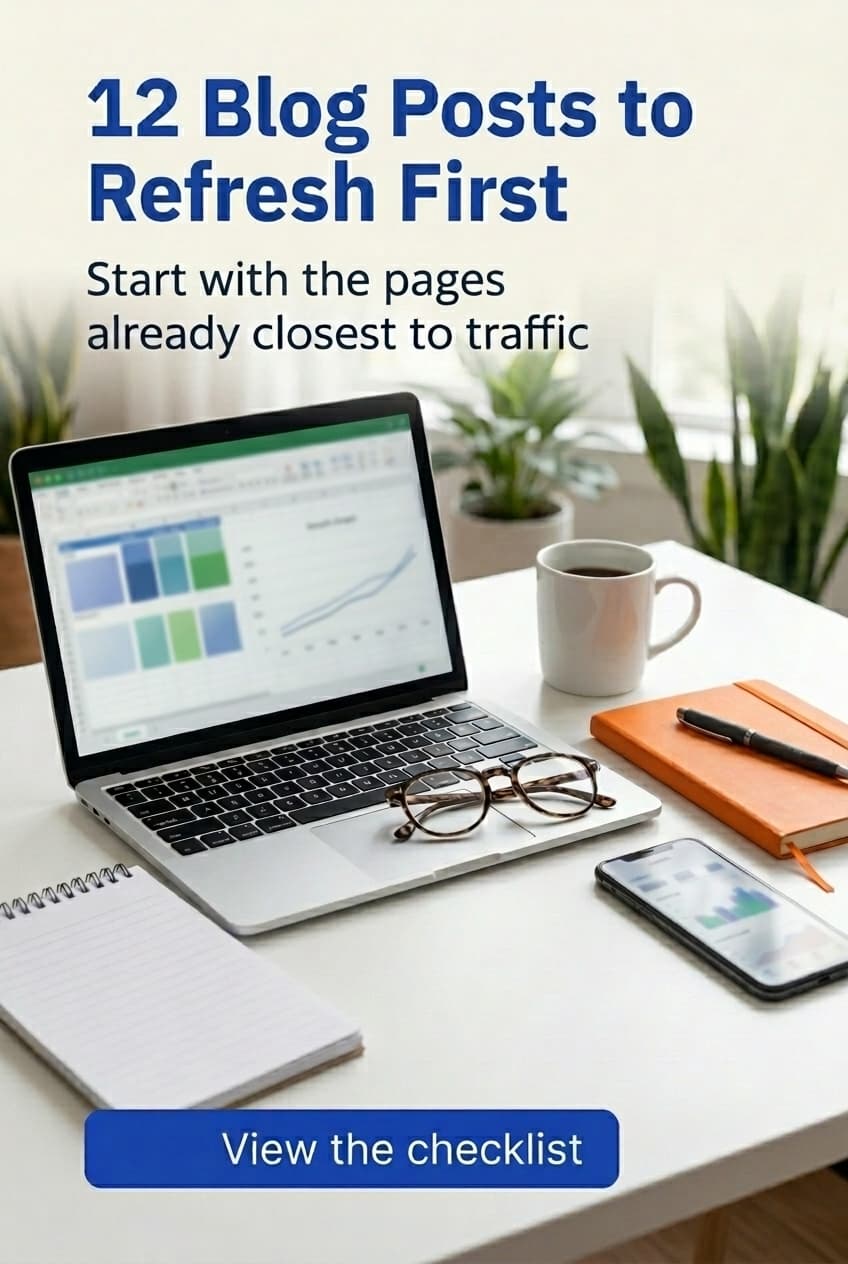
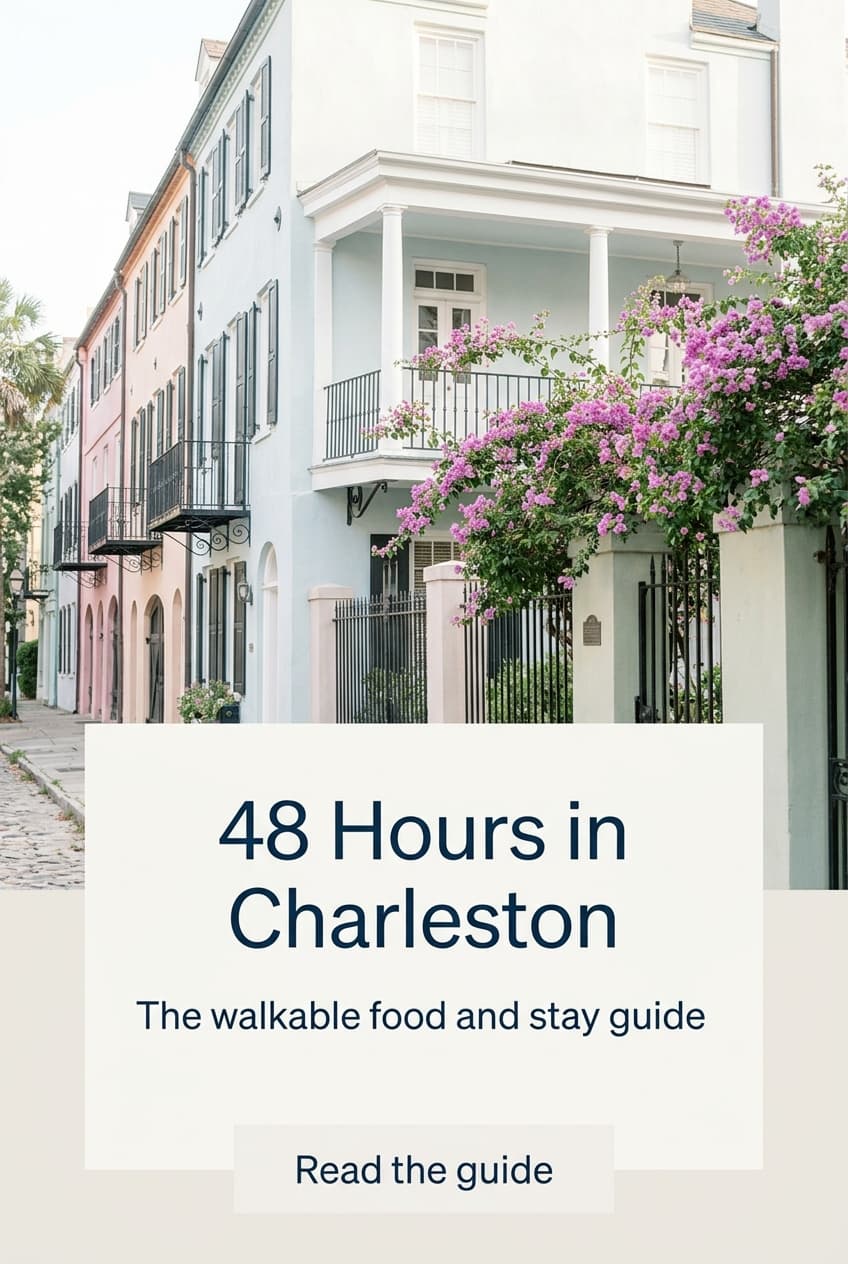
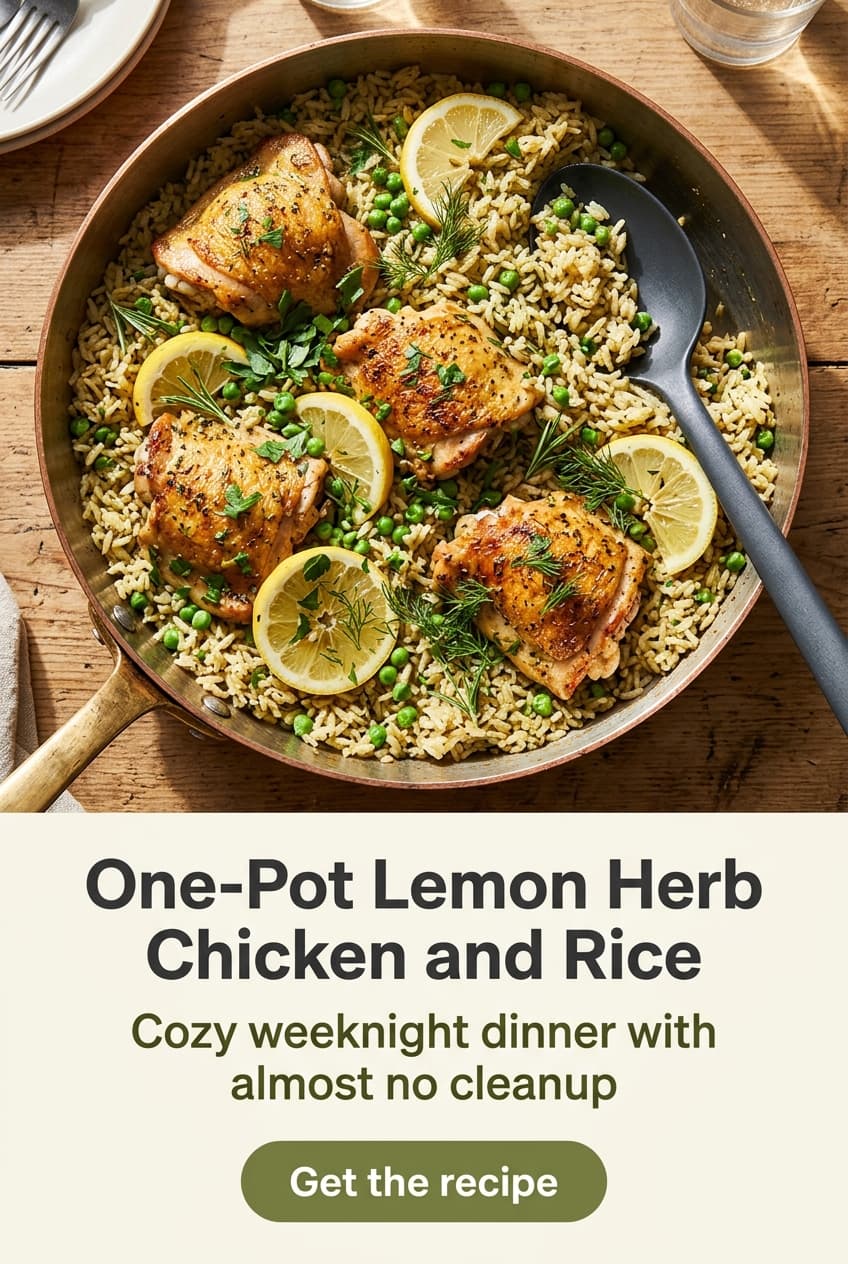
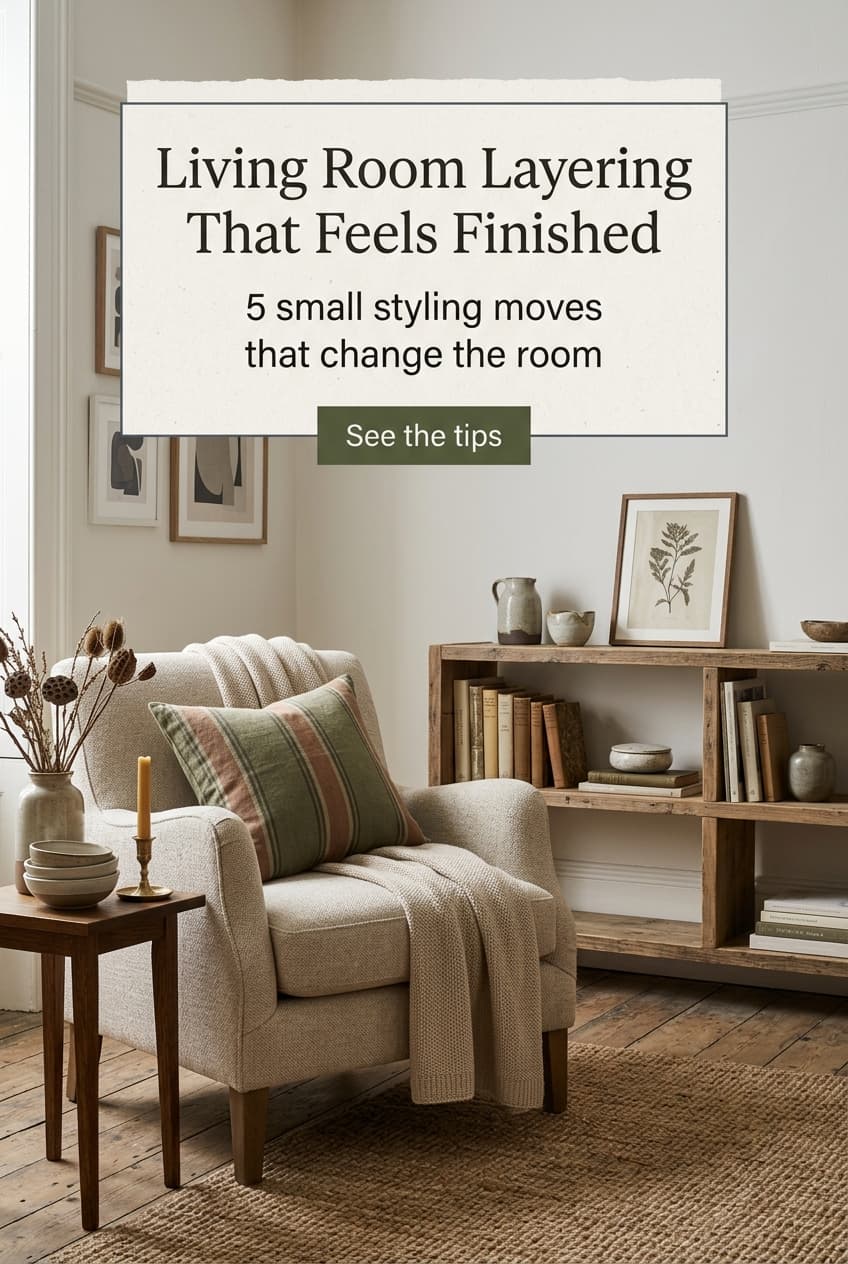
Brand details
Looks like your brand,
not a random template.
Pinslate reads your homepage and pulls the colors, fonts, headline style, and usable photography already doing the work. The first draft should feel close before you touch a thing.
- ✓Automatic brand extraction
- ✓Custom font uploads
- ✓Save multiple brand kits
Edit in
plain English.
Tell Pinslate what to change. Shorter headline. Brighter colors. Different photo direction. You do not need to dig through template controls to get there.
See examples→Here are 5 pins for your new travel guide.
Make them brighter and more summery. Use the ✈️ icon.
Updating templates...
Export the batch and
get it scheduled.
Get a Pinterest-ready CSV with titles, descriptions, keywords, images, and links included. Build the batch here, then upload it wherever you already schedule.
- ✓Pinterest bulk upload format
- ✓All metadata included
- ✓Schedule a month of pins in 5 minutes
Pins built to stop the scroll
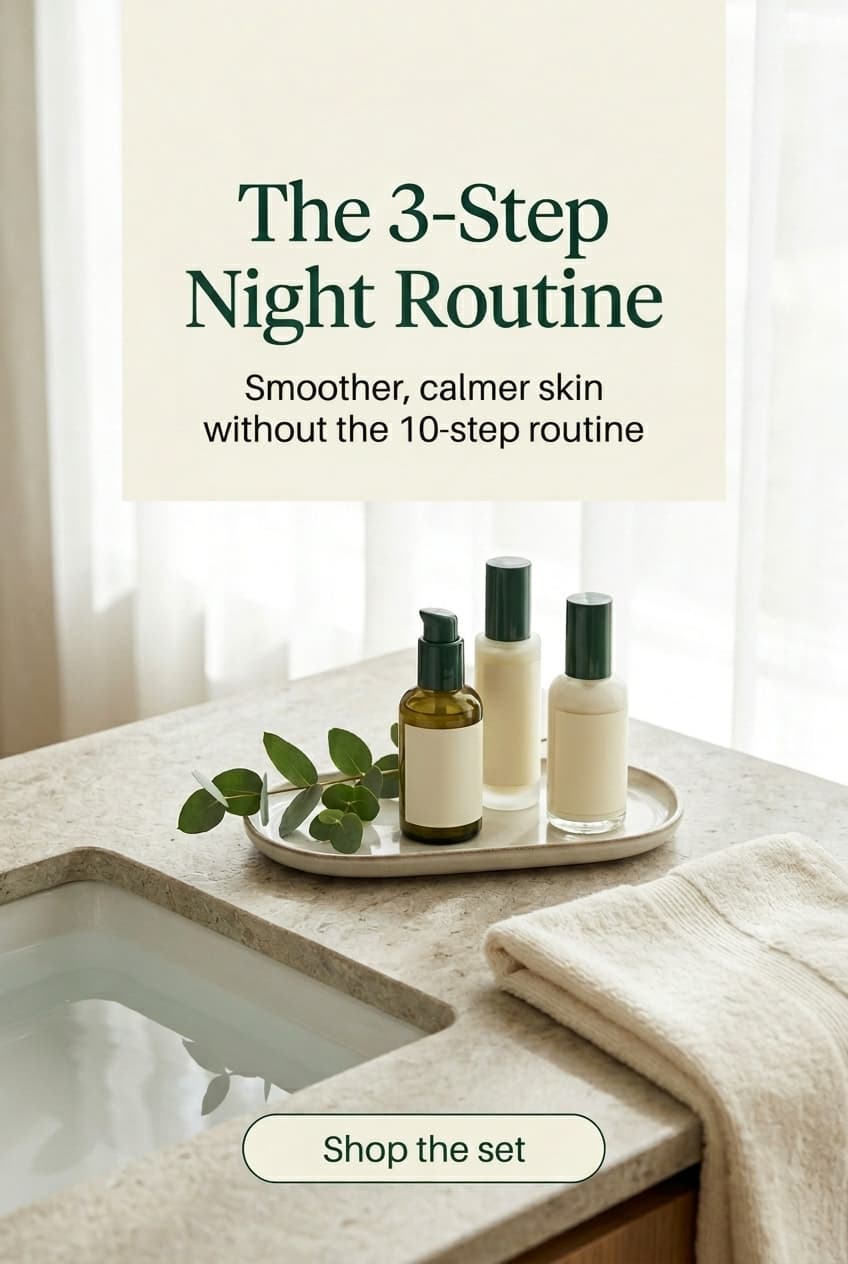
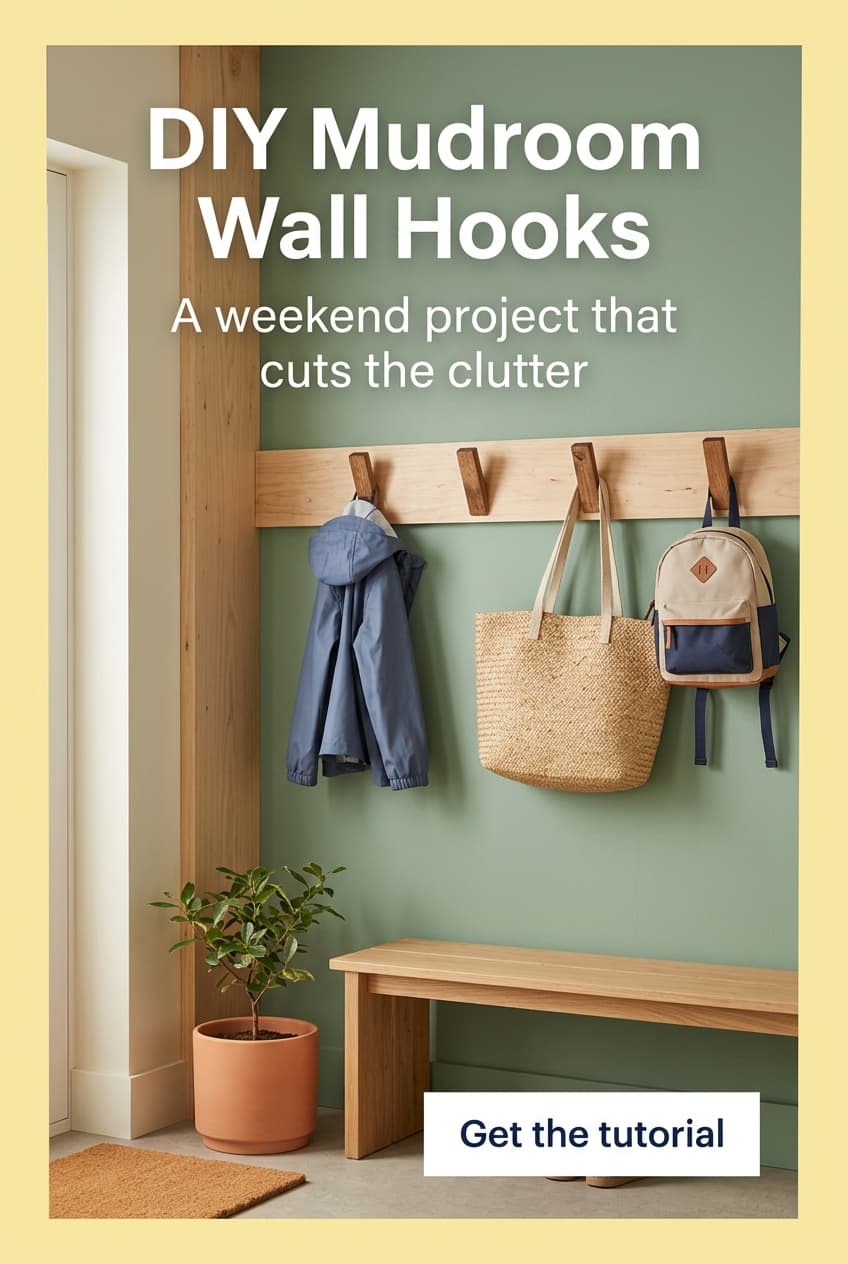
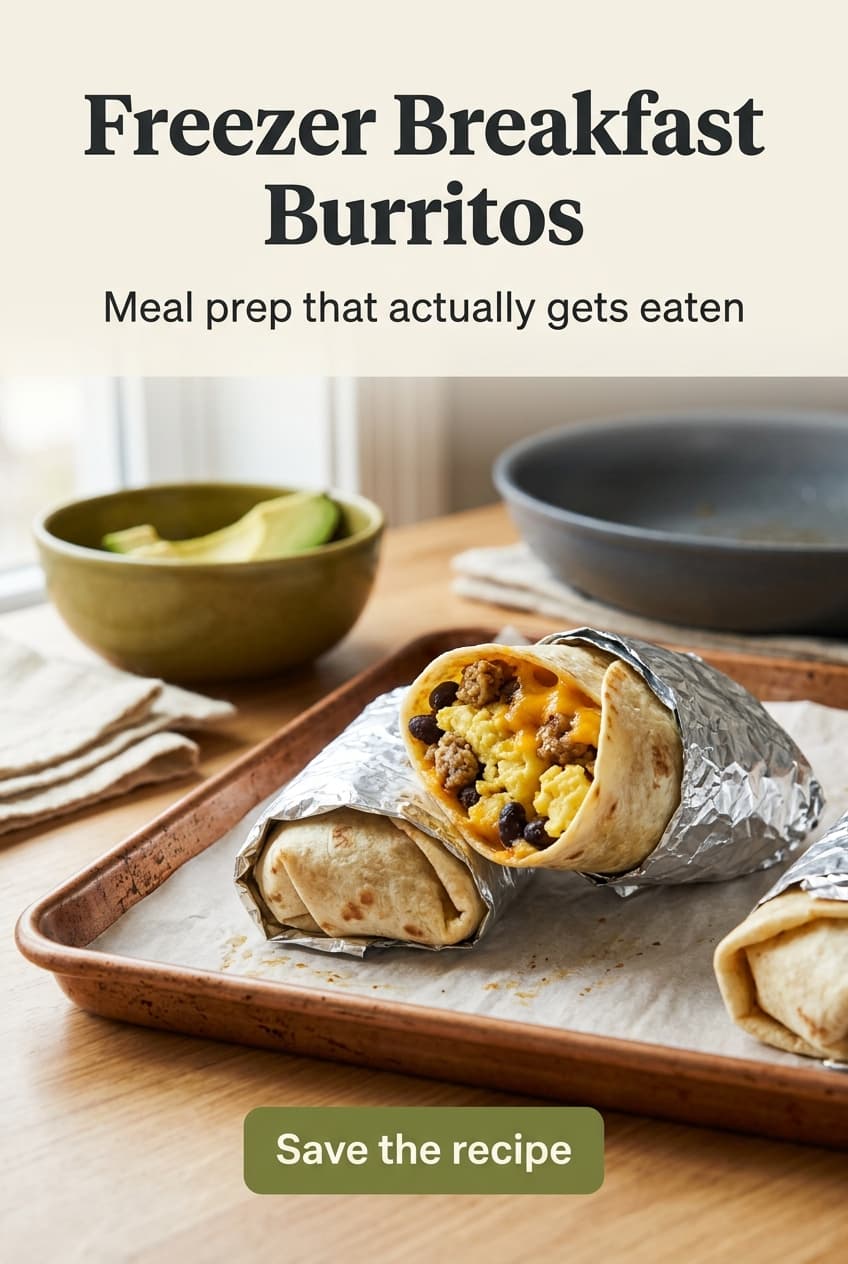
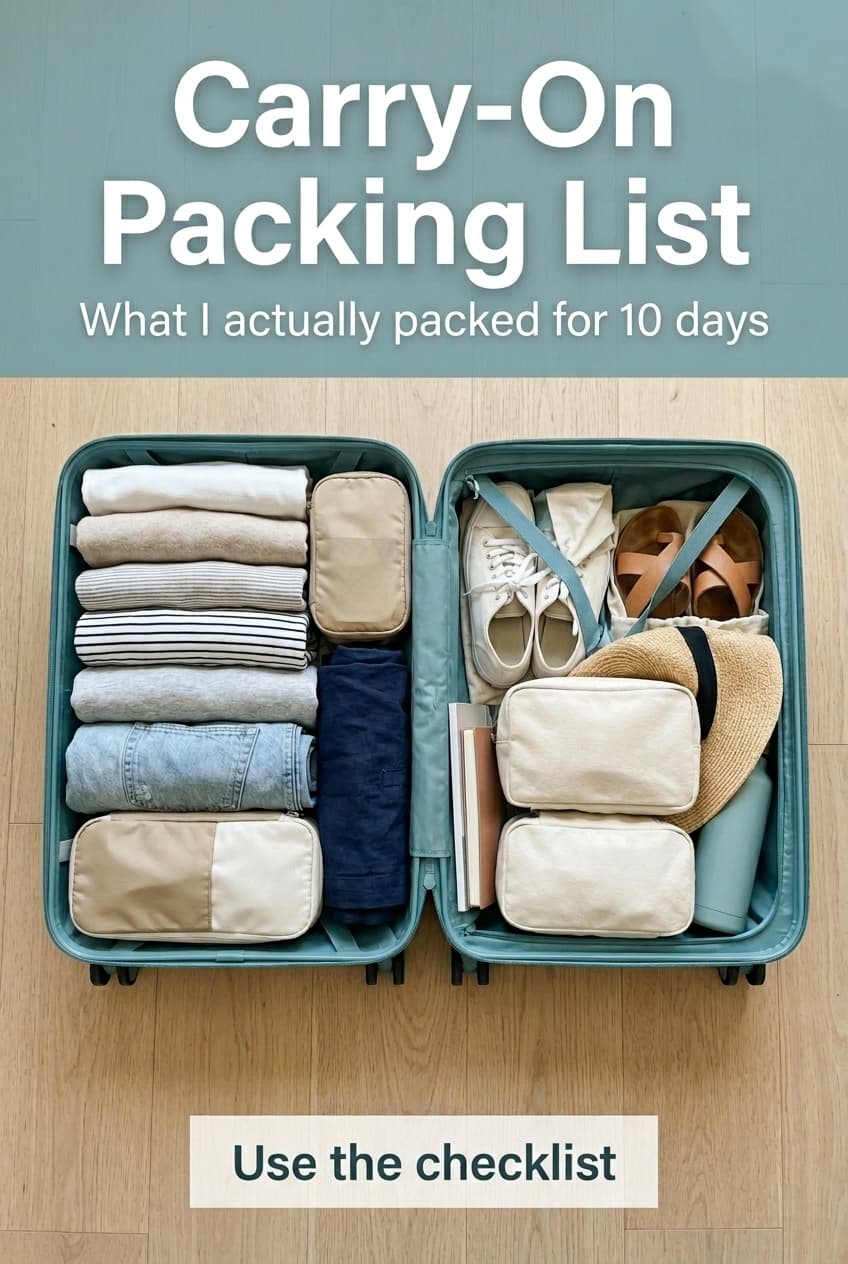
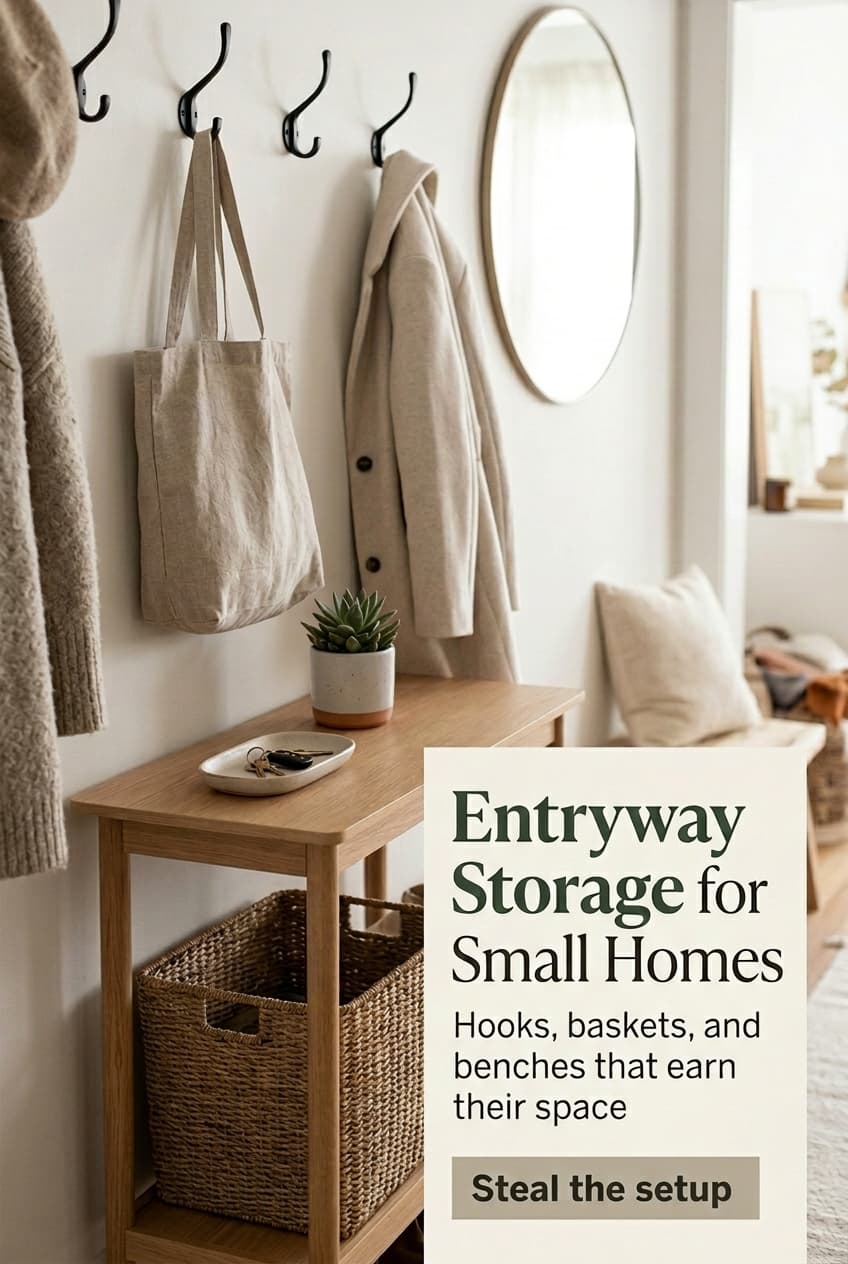
The goal is simple: a batch of pins that looks like it belongs to your site, not generic Canva leftovers.
✦Built for real Pinterest workflows
Content sites
Turn old posts, new posts, and category pages into fresh pin batches without opening a design file for each one.
Shopify stores
Use your product pages and collection pages as the source so your pins keep the same palette, tone, and offer language.
Pinterest freelancers
Spin up drafts faster, hand clients cleaner previews, and keep the manual design time for the pins that actually need it.
Ready to stop making
pins by hand?
Start with one site and 5 free pins. If the workflow saves you time, keep going.
5 free pins. No card.